

oruga oruga

FPSosu!

osu! lazer ruleset for aim training.

Last edited by oruga oruga at August 7, 2026 11:03 PM UTC

FPSosu

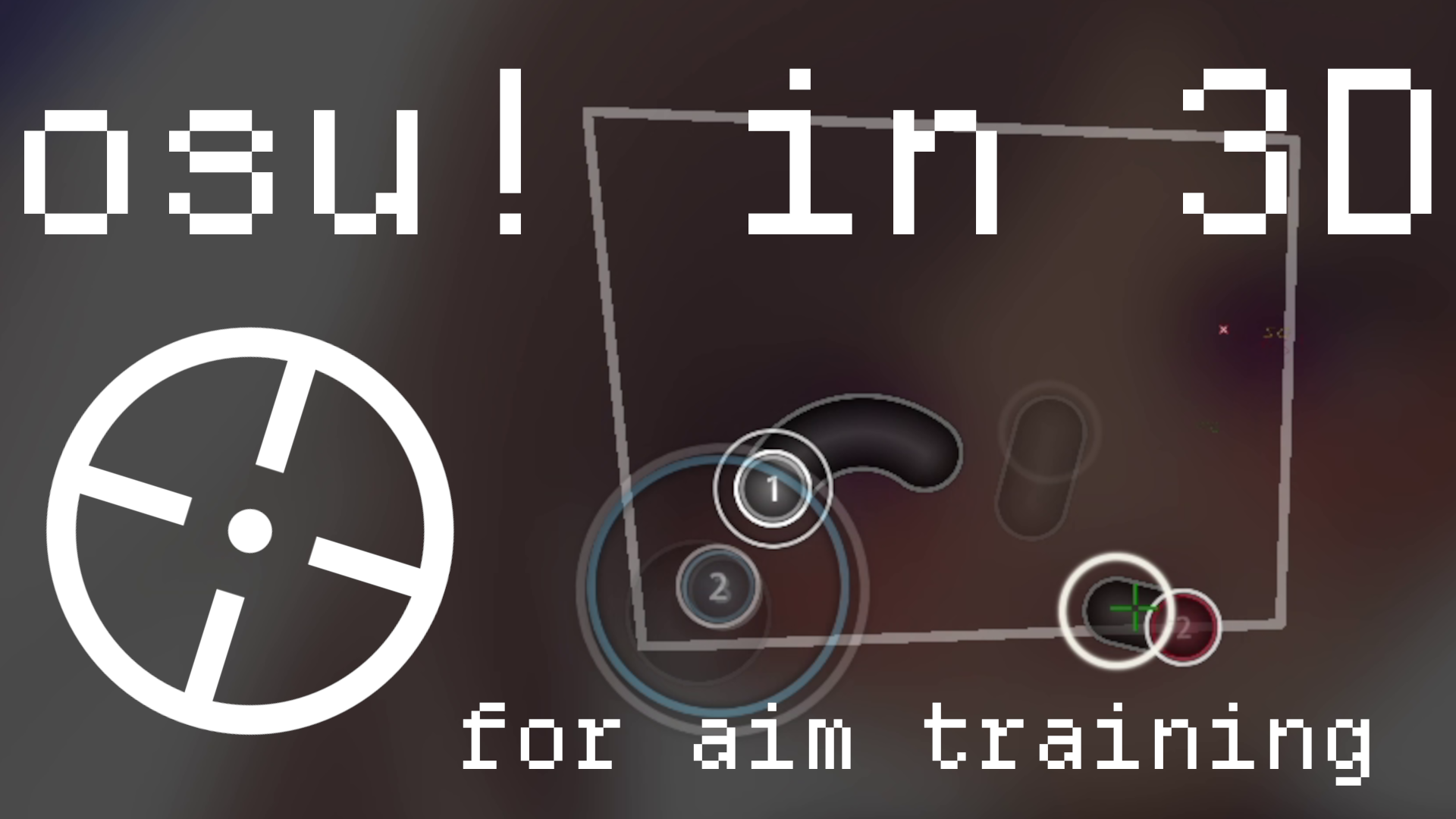
FPSosu is a custom ruleset for osu! (lazer) that turns the standard game mode into a first‑person 3D aim trainer, a la FPoSu mode for McOsu.
The standard osu! playfield is embedded in 3D and projected back onto the 2D playfield.
The mouse rotates the camera while the crosshair stays pinned to the centre of the screen; hit detection, scoring, mods and difficulty are inherited untouched from standard osu!.

ONLY MOUSE INPUT IS SUPPORTED!

Installation

  • Download here
  • Install Guide
  • Select mode in top menu bar of osu!lazer
  • Ensure 'Show Converts' is enabled in map listing
  • Configure options in Rulesets -> FPSosu
  • Configure controls in Input -> Configure

Recommendations

  • Make liberal usage of mods, especially Difficulty Adjust and setting AR and CS
  • Don't be afraid of using Spun out and/or Relax
  • Adjust playfield span frequently

Configuration

Projections

Mode Behaviour
Dome (default) The playfield is wrapped onto the inside of a sphere centred on the camera (X → yaw, Y → pitch). A flick costs the same angular distance anywhere on the board.
Plane The playfield floats as a flat rectangle in front of the camera. Edge targets cost progressively more angular movement, like a monitor target in a traditional aim trainer.

Settings

All settings live under Options → Rulesets → FPSosu and apply live.

Setting Range Default Effect
Projection Dome / Plane Dome How the playfield sits in the world
Field of view 30–150° 90° Zoom; lower magnifies the board
Playfield span 20–170° 100° Angular width of the beatmap; how far you turn to cross it
Sensitivity 0.05–10 1 Multiplier on camera turn rate
Crosshair overshoot 0–120° 45° How far past the board edge you can look
Invert vertical look on/off off Flips pitch
Show crosshair on/off on Hides the crosshair
Crosshair gap 0–20 3 Empty space between centre and lines
Crosshair line length 2–30 10 Length of each line
Crosshair line thickness 0.5–10 2 Thickness of lines and centre dot
Crosshair opacity 0–1 1 Transparency
Crosshair centre dot on/off on Dot at the exact hit point
Crosshair outline on/off on Contrasting outline for visibility
Crosshair colour White/Red/Green/Blue White Tint of the crosshair

Sensitivity converter

The settings screen includes a converter that matches your turn rate from other FPS titles. Enter the source game and sensitivity, and the equivalent FPSosu sensitivity is computed and applied.

Supported Conversions:
Counter‑Strike 2 / CS:GO
Valorant
Rainbow Six Siege
Apex Legends
Overwatch 2
Call of Duty (MW/Warzone)

Mods

Because FPSosu extends the standard ruleset, most osu! mods work as usual (Hidden, Hard Rock, DoubleTime/Nightcore, Flashlight, Relax, Easy, No Fail, …). Mods that conflict with the 3D projection are hidden from the mod list:

  • Broken under projection: Autoplay, Autopilot, Cinema, Bubbles, Bloom, Barrel Roll, Deflate, Grow, Spin‑In, Transform, Wiggle
  • No effect under projection: Depth, Repel, Magnetised, No Scope

Reporting Bugs

Open a new issue on GitHub

Feel free to contribute as well.