
Last edited by  p720 at September 18, 2026 05:16 PM UTC
A custom osu! ruleset with unique mods and local PP tracking.
Local PP — (with local profiles)
Skip breaks — button to skip break sections
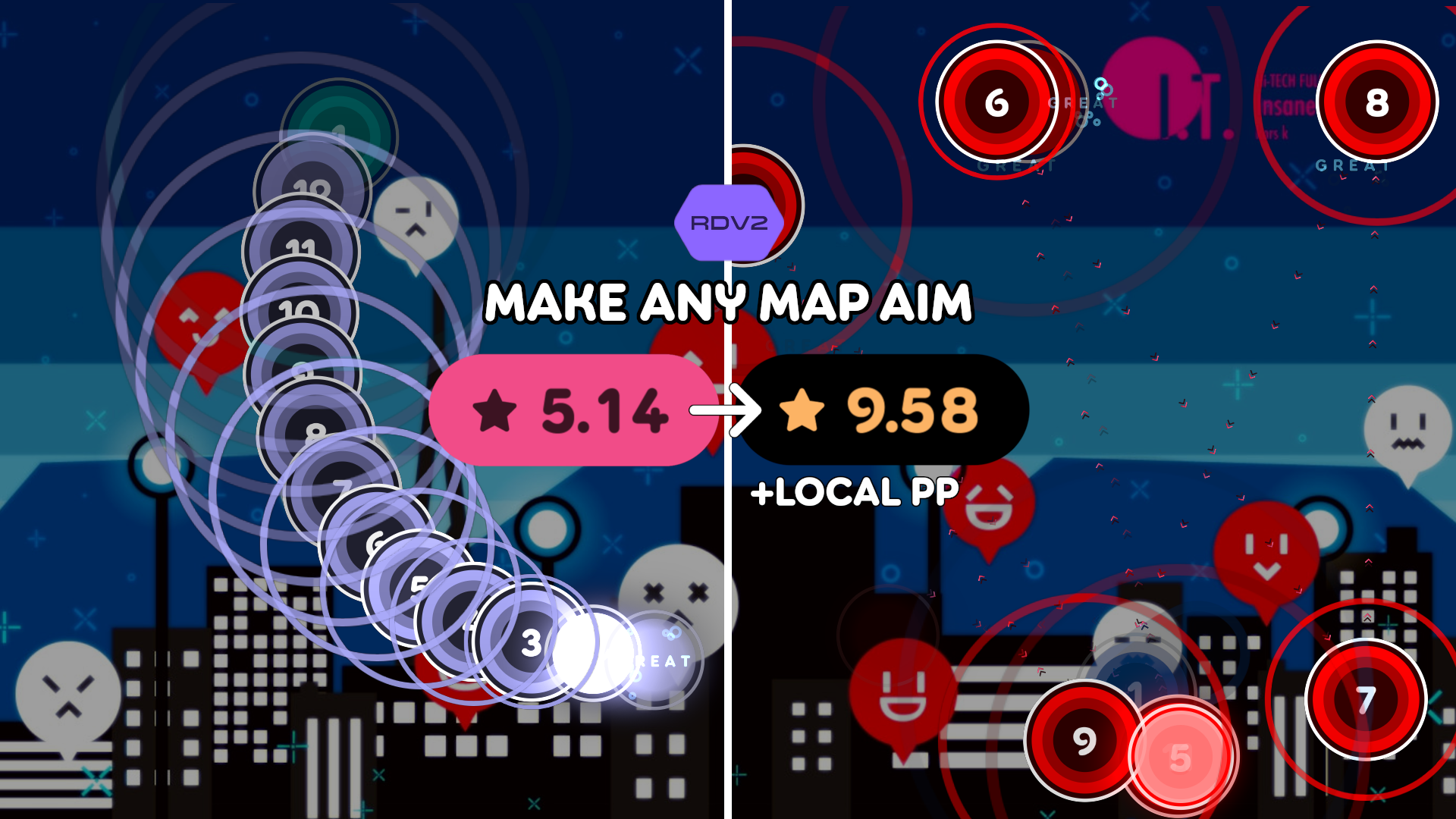
ModRandomV2 — like random but you can increase the distances between objects, separate for aim and stream (configured by divisor)
Miss Challenge — fail if your miss count exceeds a configurable limit (1–100). Option to auto-set from your best local score for the beatmap, matching by active mods (DT rate, AR/CS).
Merged mods — includes NoSliding and SpacingAdjust
Live star rating — HUD element showing cumulative star rating as you play, updating in real-time (like pp counter)
Mod preset import/export — share presets via JSON files
Chat mod sharing — right-click a chat line to send current mods, right-click a message to apply them, or type /md or /mods to send and click the link to apply.
Suggested songs at the expanded score view.
osu.Game.Rulesets.MOsu.dll into the rulesets folderGet the latest .dll from the Releases page.